You turn the key.
Press the power button.
Nothing.
No sound. No display. Dead.
This one pops up alot. And while it feels like an electrical nightmare, the approach is actually simple.
Power. Ground. Signal.
That’s the whole game.
First What Does It Actually Do
Before jumping in, pin down the symptom.
Completely dead
No display. No lights. No response.
That usually points to power supply or internal failure.
Turns on but no sound
Screen works, stations change, but silence.
That’s often speaker, wiring, or amplifier related.
Intermittent operation
Works sometimes, then cuts out.
That can be wiring, loose connections, or internal faults.
Frozen or unresponsive screen
Common on modern infotainment systems.
Buttons don’t respond or system lags.
That’s often software or module-related.
Types of Systems You’re Dealing With
Older vehicles had simple radios.
Power in. Speakers out. Basic wiring.
Modern vehicles use infotainment systems.
These are networked modules. They talk to other systems in the car. Climate, navigation, Bluetooth, even vehicle settings.
From a mechanic’s point of view, both are treated the same at first.
Check power. Check ground. Check outputs.
If those are good, the unit itself is usually the issue.
We don’t open them. They’re solid-state units as far as a mechanic is concerned. Repair is typically specialist or replacement.
Most Common Causes I See On The Road
Blown Fuse
Simple. Common.
If the unit is completely dead, this is one of the first checks.
Radios often have more than one fuse:
- Main radio fuse
- Accessory or ignition fuse
- Amplifier fuse
A blown fuse cuts power instantly.
Loss of Power or Ground
Even if the fuse is good, the unit still needs a solid power and ground connection.
Loose connectors, corrosion, or damaged wiring can interrupt this.
No power or poor ground means no operation.
On roadside calls, this is always near the top of the list.
Failed Head Unit
Sometimes the radio itself just fails.
No warning. No gradual decline. Just dead.
Modern infotainment units are especially prone to this.
- Blank screen
- Stuck on logo
- Won’t boot
At that point, repair usually means replacement or specialist rebuild.
Software Glitch
Very common in newer systems.
The unit freezes, crashes, or becomes unresponsive.
Sometimes:
- Screen is on but won’t respond
- Audio cuts out
- System reboots randomly
A reset can often bring it back.
Disconnecting the battery briefly can reset the system, but be aware you may lose settings or need a radio code.
Amplifier Failure
Many modern cars use an external amplifier.
If that fails:
- Radio appears to work
- No sound from speakers
The head unit is fine, but the signal isn’t being amplified.
Speaker or Wiring Issues
If only one or two speakers aren’t working, this is where to look.
- Damaged speaker
- Broken wiring in door hinges
- Loose connectors
Not as common for a full system failure, but worth noting.
Fault Codes in the System
Newer vehicles can log faults for infotainment systems.
These might include:
- Communication faults
- Module failure
- Network issues
You’ll need a scan tool to see these.
In the trade, this is where diagnostics moves beyond basic checks.
Radio Code Required After Battery Disconnect
Older radios can lock themselves after losing power.
If the battery has been disconnected, gone flat, or the radio has been removed, the unit may ask for a security code before it will work again.
You’ll usually see something like “CODE” or “ENTER PIN” on the display.
This is an anti-theft feature. The idea is simple. If the radio is stolen, it won’t work without the correct code.
On the roadside, this catches people out all the time after a battery change or jump start.
If you have the code, you just enter it using the preset buttons and you’re back in business.
If you don’t have it, you’ll need to:
- Check the owner’s manual or service book
- Look for a code card supplied with the vehicle
- Contact a dealer with the vehicle VIN
- Use a radio serial number to retrieve the code
Important point.
Enter the wrong code too many times and the unit can lock you out completely, sometimes for an hour or more before you can try again.
Simple issue, but it can leave you without a radio until the code is found.
Quick Checks You Can Do
Start with the basics.
Check the fuses. Don’t just look at one. Check all related fuses.
Turn the ignition on and watch the unit. Any signs of life at all help narrow things down.
Try a reset. Disconnect the battery for a few minutes, then reconnect.
Check if anything else electrical is acting up. That can point to a wider issue.
If you have partial sound, test different sources like radio, Bluetooth, or USB. That helps isolate whether it’s input or output related.
Can You Still Drive
Yes. This won’t affect drivability.
But it can affect more than just music.
In many cars, the infotainment system controls:
- Reverse camera
- Parking sensors
- Vehicle settings
So while the car drives fine, you may lose useful features.
When It’s Time for a Pro
If power and ground are good and the unit is still not working, you’re usually into:
- Module replacement
- Software updates
- Network diagnostics
Modern systems are tied into the vehicle’s electronics, so guessing can get expensive.
A proper diagnostic check is the way to go.
Pro Tip From the Roadside
If your radio dies suddenly, check recent work.
Battery replacement, jump starts, or electrical repairs can trigger issues.
Loose connections or voltage spikes can upset these systems.
I’ve seen plenty of radios “fail” right after a battery job, only to come back after a proper reset.
Quick FAQ
Why did my radio stop working suddenly?
Most likely a blown fuse, power issue, or internal failure.
Why is my screen on but no sound?
This often points to an amplifier issue or speaker wiring problem.
Can a battery disconnect fix it?
Yes. It can reset software glitches, but you may need a radio code afterward.
Do modern radios need coding?
Many do. Replacement units often need to be programmed to the vehicle.
Is it worth repairing a radio?
Depends on the unit. Simple radios are often replaced. Infotainment systems may be repaired by specialists.

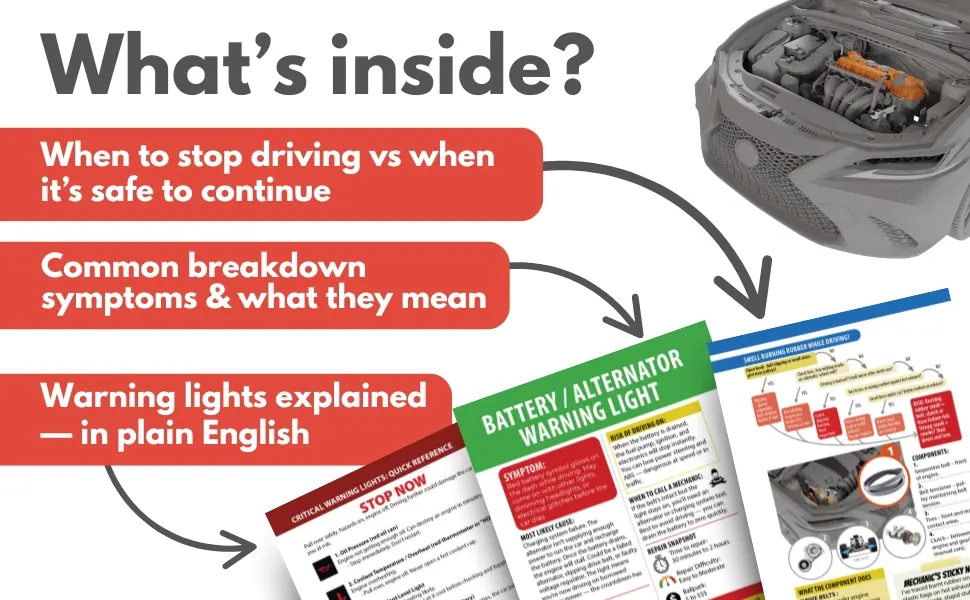
Visit our DIY Car Maintenance page and level up your car care skills — or keep the quick-reference version below in your glovebox.
Look inside on Amazon.com
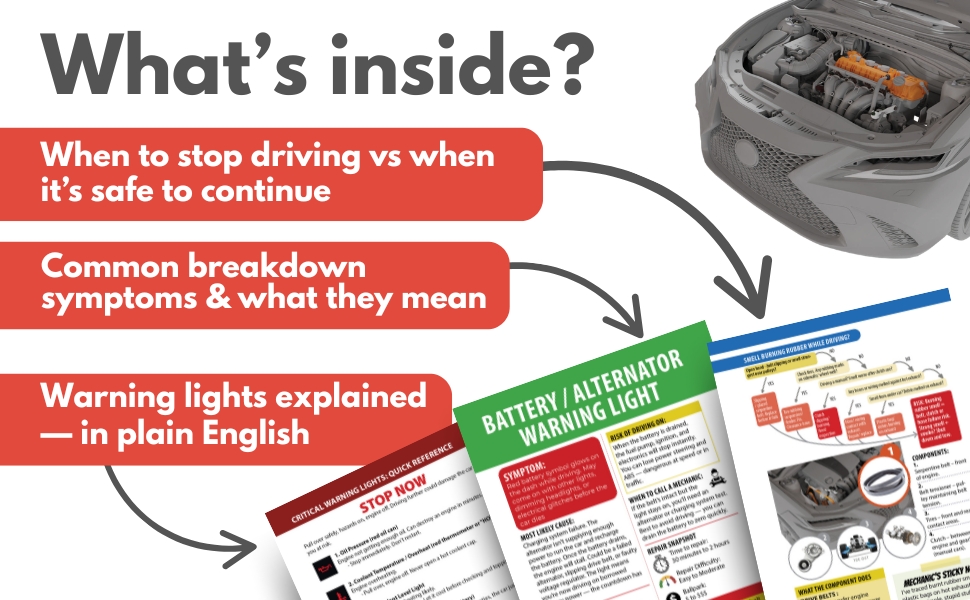
Look inside on Amazon.com
- About the Author
- Latest Posts


Meet Northcap, a seasoned mechanic and roadside assistance expert with over 20 years of hands-on experience. At Rustyautos.com, Northcap shares exclusive insights into what really breaks down in cars, offering practical tips and real-world advice to keep drivers informed and their cars on the road.