You start the car…
Everything powers up…
But the infotainment screen stays black.
No radio.
No nav.
No reversing camera.
Just a blank screen staring back at you.
On roadside calls, these systems cause a lot of confusion. They feel complex… but the diagnosis usually follows a simple path.
Power. Ground. Then the unit itself.
First — What Exactly Is It Doing?
Not all “black screens” are the same.
- Completely dead (no backlight, no response) — power or unit failure
- Backlight on but no display — internal screen or software issue
- Intermittent black screen — wiring, software, or unit fault
- Reboots or freezes before going black — software or failing unit
This tells you where to start.
No Power or Ground to the Unit
Simple. But always check it first.
If the unit isn’t getting power or has a bad ground, it won’t wake up.
What causes it:
- Blown fuse
- Loose connector
- Poor ground connection
- Wiring damage
What you’ll notice:
- Screen completely dead
- No sound from radio
- No system response at all
In the trade:
We always check power and ground before blaming the unit. Quick checks save big money.
Blown Fuse (Very Common)
Infotainment systems often have their own fuse.
If it blows, the system dies instantly.
Signs:
- Sudden failure
- Everything else in car works fine
- No warning beforehand
Tip:
Check both interior and engine bay fuse boxes.
Software Glitch or System Crash
Modern infotainment systems are basically computers.
And like any computer… they crash.
What causes it:
- Software bugs
- Voltage spikes
- Battery disconnect
- Updates gone wrong
Symptoms:
- Screen goes black but comes back later
- System freezes or reboots
- Random behaviour before failure
Quick fix:
Try a system reset (varies by car). Sometimes disconnecting the battery for 10 min can reboot the system.
Failing Infotainment Unit (Very Common)
This is where your experience lines up perfectly.
Once power and ground are good… the unit itself is often the problem.
These are solid-state units.
When they fail, they fail.
What causes it:
- Internal component failure
- Heat damage over time
- Manufacturing defects
Signs:
- Screen stays black permanently
- No response to buttons
- No sound, no system activity
Reality:
Repair is usually specialist work. Most general garages won’t open these units.
Screen Failure (Display Only)
Sometimes the unit is working… but the screen isn’t.
Symptoms:
- Radio still works (you can hear it)
- Touch input may still function
- Screen stays black or flickers
In this case:
You’re dealing with a display issue, not the main unit.
Loose or Damaged Wiring Behind the Dash
If the screen cuts in and out, wiring is suspect.
Causes:
- Poor connections
- Previous work behind dash
- Vibration over time
Signs:
- Intermittent operation
- Screen comes on when hitting bumps
- Random shutdowns
Battery or Voltage Issues
Low voltage can confuse infotainment systems.
What happens:
- System fails to boot
- Screen stays black
- Modules don’t wake up properly
Check for:
- Weak battery
- Recent battery replacement
- Charging issues
Can You Fix It Yourself?
Be realistic here.
You can check:
- Fuses
- Basic wiring connections (if accessible)
- Battery condition
But beyond that…
You’re into:
- Software diagnostics
- Module testing
- Specialist repair or replacement
Can You Still Drive the Car?
Yes.
This is usually not a drivability issue.
But you may lose:
- Reverse camera
- Parking sensors display
- Navigation
- Audio
So it’s more inconvenience than breakdown… unless tied into safety systems.
When to Call a Specialist
If:
- Power and fuses are good
- Screen stays black
- No response from system
You’re likely dealing with a failed unit.
At that point, it’s:
- Specialist repair
- Replacement unit
- Dealer-level diagnostics
Bottom Line
Most infotainment black screen issues come down to:
- No power or blown fuse
- Software crash
- Failed unit (very common)
Start simple.
Check power and fuses first.
But if those are good…
You’re usually looking at a solid-state failure.
And that’s specialist territory.

Visit our DIY Car Maintenance page and level up your car care skills — or keep the quick-reference version below in your glovebox.
Look inside on Amazon.com
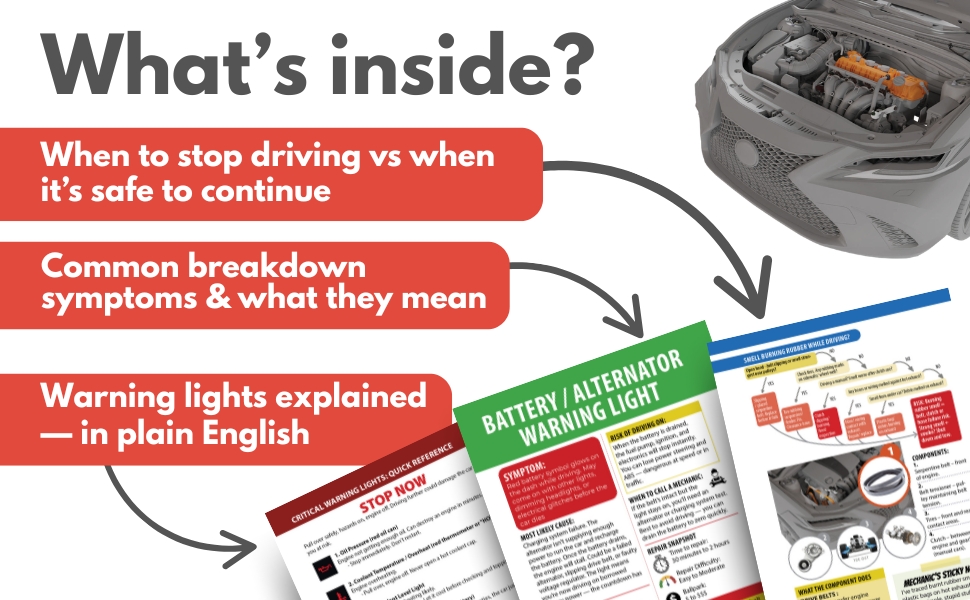
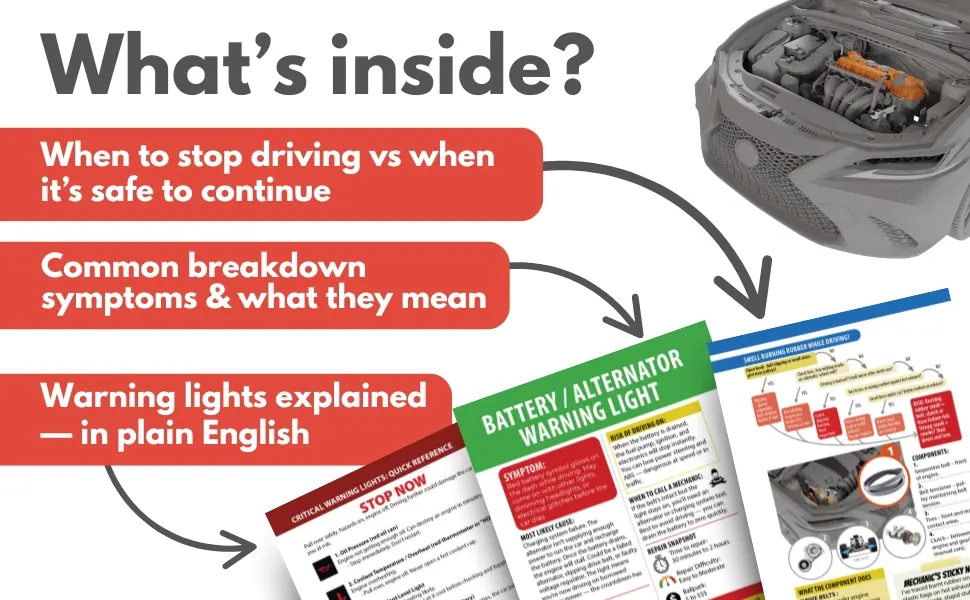
Look inside on Amazon.com
- About the Author
- Latest Posts


Meet Northcap, a seasoned mechanic and roadside assistance expert with over 20 years of hands-on experience. At Rustyautos.com, Northcap shares exclusive insights into what really breaks down in cars, offering practical tips and real-world advice to keep drivers informed and their cars on the road.